Project Zomboid Build 42.20.4 Security Hotfix
What the 26 August 2026 patch actually changed for players, hosts, and mod authors.
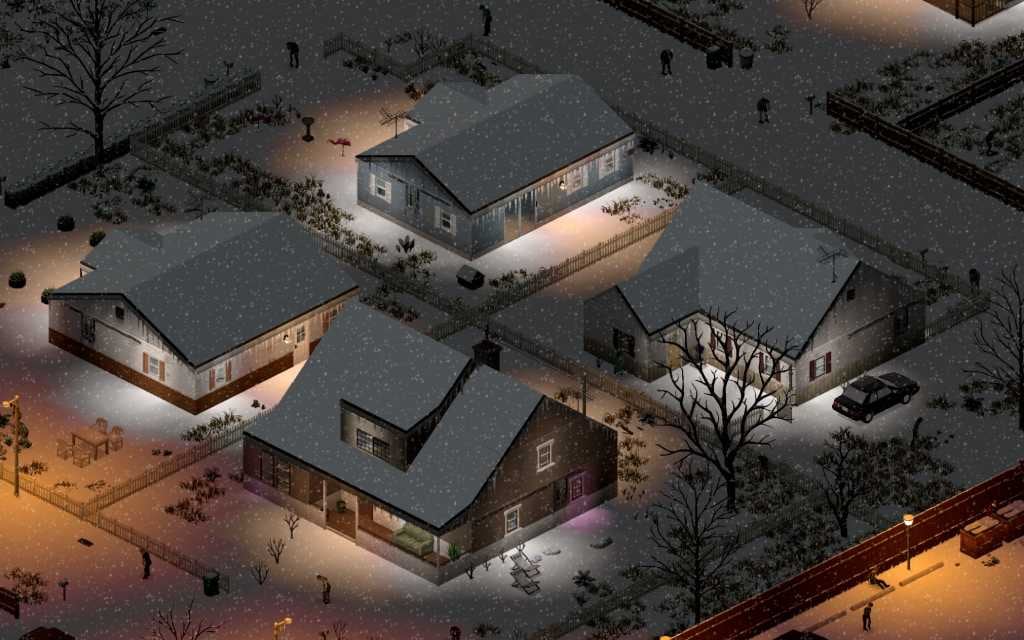
Build 42.20.4 was the public Stable string on 26 August 2026. It is a security hotfix, not a second Big Glow Up. Later Stable lines superseded it: 42.21 (28 September 2026) and 42.22.2 (9 November 2026)—see Build 42.22 for the current default. The Indie Stone shipped sister patches the same August day: 42.19.2 on the 42.19 beta and 41.78.21 on legacy41. This page remains the search landing for “42.20.4”, “loadstring”, and “why did my mods break after the August 26 patch”. Pair it with Build 42 Overview for the July map work and with Mods before you rebuild a Workshop list.
Official notes say the hotfix should not break 42.20.x saves. Confirm the main-menu build string after Steam finishes. On today’s default branch you should see 42.22.2, not 42.20.4.
What 42.20.4 actually changed
The public changelog is short on purpose:
- Security vulnerabilities were fixed.
- As part of that fix, the Lua methods
loadstringandloadstreamwere removed. - Mod authors who used those methods must rewrite. If a mod executed code sent from a server, it now needs explicit commands and matching client methods instead of loading arbitrary strings.
- If you cannot replace the calls, The Indie Stone asks authors to report in Discord #mod_portal with how the methods were used.
Players do not get a new town, a new crop, or a new animal. You get a safer client. Treat a sudden crash-on-launch after 26 August as a mod problem first, not a ruined world.
How to confirm your Stable string
- Right-click Project Zomboid in Steam → Properties → Betas.
- For current Stable, leave the branch on None (you should land on 42.22.2 as of November 2026).
- Let Steam finish updating.
- Launch and read the main-menu string. Treat that string as ground truth for co-op matching.
Dedicated hosts can also check SteamCMD build IDs when they publish. Pin the exact string in the server title so browser joiners self-filter. See Dedicated Servers and Servers and Co-op for restart order after a security patch.
What to do as a player
Stay on current Stable unless you intentionally freeze an older season. If the game errors on launch or a save will not load after a security hotfix, disable mods and try a vanilla load. A broken Workshop list is not a wiped world. Wait for the author; do not roll the public branch backward to chase one favorite.
Copy your world first if you have not already. Windows lives at %UserProfile%\Zomboid\Saves. Full folder notes live on Save Backup.
What to do as a host
- Update the dedicated server to the same Stable string clients run (today 42.22.2) before opening slots.
- Freeze joins until clients match the string.
- Expect Workshop items that injected Lua via
loadstring/loadstreamto fail until authors ship a replacement—this August rule still matters on later builds. - Keep the 42.20.2
%→%%text rule. 42.20.4 did not undo it. - Finish 42.19 worlds on the 42.19 branch. They still do not load in 42.20+.
Branch cheat sheet (historical August 2026)
| Branch | August 2026 string | Notes |
|---|---|---|
| Default / None (Stable) | 42.20.4 then | Later replaced by 42.21, then 42.22.2 |
| 42.19 beta | 42.19.2 | Finishing pre-stable Build 42 worlds only |
| legacy41 | 41.78.21 | Maintaining Build 41 saves only |
Build 41 and Build 42 saves never mix. 42.19 and 42.20 saves never mix. 42.20.3 worlds should load on 42.20.4.
Why mods break on a “tiny” hotfix
Security patches remove APIs that were convenient for dynamic Lua. Any Workshop item that compiled strings at runtime—admin menus, remote command loaders, some “do anything” debug helpers—can error on enable. UI-only mods that never called those methods should keep working. If a load-order screenshot from 25 August suddenly red-screens, binary-search by disabling half the list, then report the failing ID to the author rather than editing subscribed files (Steam overwrites manual edits).
Vanilla groups can log in the same evening. Modded groups should wait for Workshop comments that mention 42.20.4 specifically, not just “B42 stable”.
What this hotfix did not change
Knox County tiles, animals, crafting stations, rain collectors, and challenge rotation stay where 42.20.0–42.20.3 left them. Server player-limit handling from 42.20.3 (up to 254, admin join-when-full) remains. Memory and map-load work from 42.20.3 remains. Read Returning Players if you skipped the July promotion entirely.
Recommended reading after you update
- Build 42 Overview — Big Glow Up context
- Mods — Workshop, load order, percent-sign rule
- Save Backup — folder paths before you experiment
- Servers and Co-op — patch-week etiquette
- Updates Hub — where the next support notes will land
Treat 42.20.4 as the new “are we on the same build?” question in Discord. The answer is a menu string, not a Steam download percentage.
Frequently Asked Questions
Quick answers to the most common questions.
Should I update to Build 42.20.4?
Only if you are intentionally staying on the August 2026 line. Current Stable is 42.22.2. The 42.20.4 hotfix itself was save-safe for 42.20.x worlds at the time.
Why were loadstring and loadstream removed?
They were removed as part of a security fix. Mods that compiled Lua from strings or from the server must be rewritten. Authors who cannot replace the calls should report in Discord #mod_portal.
Did 42.20.4 break my save?
Official notes say 42.20.x saves should load. If a world fails, disable mods and try vanilla. A Workshop mismatch is not the same as a wiped map. Backup first via Save Backup.
What about 42.19 and Build 41?
Same-day sister hotfixes: 42.19.2 on the 42.19 beta and 41.78.21 on legacy41. Stay on the branch that matches your save. 42.19 worlds still do not load in 42.20.
Does this patch add new map or crafting content?
No. 42.20.4 is security-only. Map glow-up, animals, and crafting still come from 42.20.0 plus the August stability hotfixes. See Build 42 Overview.