Project Zomboid Modding Tools
AnimZed, TileZed, WorldZed, PZTools, and the Build 42 mapping and animation workflow.
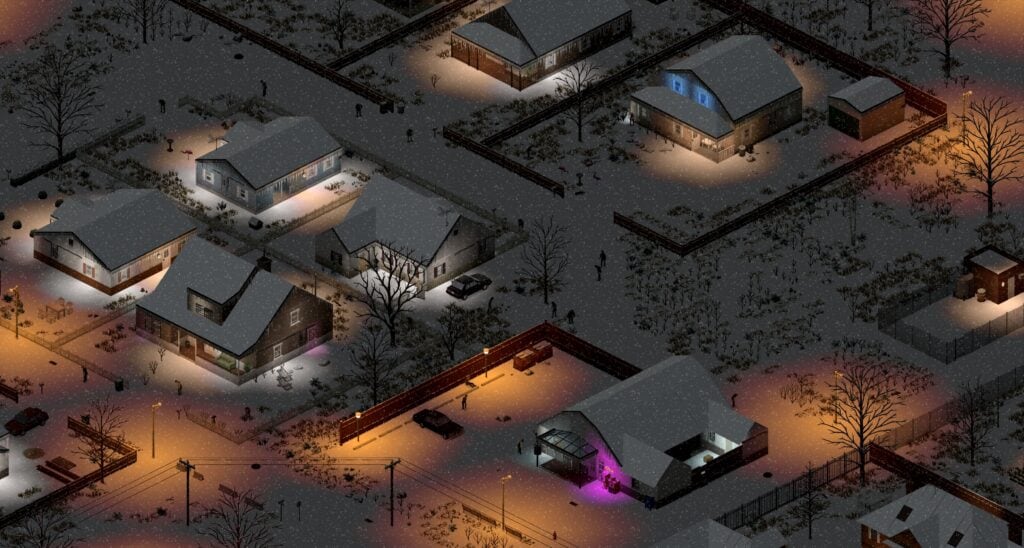
Project Zomboid’s modding ecosystem runs on a suite of official and community tools that let creators build maps, animations, and content for the game. After the Build 42.20 Big Glow Up roughly doubled the tile library to 35,000 tiles, The Indie Stone is updating WorldZed, TileZed, and AnimZed to let modders match the new scope. This guide covers what each tool does, how they connect, and how new modders can start building without getting lost in a decade of forum threads.
This page targets creators building mods for Build 42. If you want to play with mods, see Mods Guide for Workshop workflow and load order. For making your own content, read on.
The tool suite at a glance
| Tool | Purpose | Status |
|---|---|---|
| TileZed | 2D tile and map editor | Active development for B42 |
| WorldZed | World-level map assembly | Updated with B42 tiles |
| AnimZed | Sprite animation editor | In development pipeline |
| PZTools | Unofficial Qt continuation of Tim Baker’s tools | Maintained by community |
TileZed: the 2D tile editor
TileZed is Project Zomboid’s official 2D tile editor. It lets modders create and arrange the building blocks that become walls, floors, furniture, and world objects. TileZed ships the tiles you see in-game: every floor tile, wall section, door frame, and prop is placed and configured in TileZed before it becomes part of a map.
What TileZed does:
- Create and edit 2D tilesets for walls, floors, and objects
- Configure tile properties: walkable, solid, transparent, sprite layers
- Export tiles to the format Project Zomboid reads at runtime
- Support for multi-tile objects and furniture
Getting started with TileZed:
- Download TileZed from the official Project Zomboid modding resources
- Study the existing tileset structure in the base game files
- Start with simple floor and wall tiles before complex objects
- Join the Project Zomboid modding Discord for workflow questions
The TileZed wiki page has detailed documentation on tile properties, layer configuration, and export settings. After Build 42.20, TileZed received updates to handle the new 35,000-tile library.
WorldZed: world assembly and chunking
WorldZed assembles individual tiles into the larger world structure Project Zomboid uses. While TileZed handles single tiles, WorldZed handles the chunk grid, zone layouts, and how tiles connect across the map. WorldZed is where modders place towns, roads, and the spatial relationships that define navigation.
What WorldZed does:
- Assemble tile grids into navigable map zones
- Configure zombie spawn densities and zone types
- Set world-level metadata: town names, spawn points, climate zones
- Export the compiled world for use with TileZed maps
Build 42.20’s doubled map surface meant WorldZed received significant updates to handle the expanded Knox County. Modders creating custom maps should use WorldZed to define zone boundaries before placing individual building tiles in TileZed.
AnimZed: sprite animation editor
AnimZed is the in-house animation editor The Indie Stone is developing for sprite animations. Animation work in Project Zomboid involves sprite sheets, frame timing, and state machines that control how characters, animals, and objects move. AnimZed aims to make this workflow more accessible than hand-editing sprite data.
Current AnimZed status:
- In active development as part of the post-B42 tooling push
- Will handle character animations, animal movement, and object state changes
- Expected to ship alongside AnimZed documentation after hotfix priorities settle
For now, modders working with animations should study the existing animation format in the base game files and monitor official dev blogs for AnimZed release announcements.
PZTools: community-maintained Qt edition
PZTools is an unofficial continuation of Tim Baker’s original PZWorldEd, TileZed, and BuildingEd tools, maintained by the community. It includes PZWorldEd, TileZed, and BuildingEd with support for current Build 42 mapping workflows.
What PZTools adds:
- Portable configuration that does not rely on system-wide installs
- Native 256-cell support for larger map areas
- Image editing and mapping automation features
- Updated for Build 42 tile formats
PZTools is the recommended starting point for modders who want the TileZed workflow without waiting for official tool updates. It is community-maintained, so check the GitHub repository for the latest Build 42 compatibility notes.
How the tools connect: a typical mapping workflow
Creating a custom map in Project Zomboid typically flows through multiple tools:
- Concept and planning — define the region you want to create
- WorldZed — define zone boundaries, spawn points, and road connections
- TileZed — create the individual tiles and objects for your buildings
- WorldZed again — place your tiles into the zone grid
- Testing — load your map in-game and iterate
The Build 42 workflow adds extra steps because of the larger tile library. Expect longer export and import times when working with dense urban areas.
Mod folder structure for Build 42
Mods in Build 42 use a structured folder system:
mods/
  YourMod/
    mod.info          # Mod metadata
    Contents/
      scripts/        # Lua game scripts
      media/
        textures/     # Sprite sheets and images
        tiles/        # Tile definitions
        animations/   # Animation data
        maps/         # World and zone files
        scripts/      # Additional Lua
    docs/             # Optional documentation
The 42/ folder structure became mandatory for Build 42 content. Legacy Build 41 mod formats may not load correctly on the current stable branch.
Where to learn more
- PZWiki Modding section — comprehensive documentation on Lua API, tile formats, and scripting
- Project Zomboid modding Discord — active community for workflow questions
- Steam Workshop modding forums — official channels for tool announcements
- GitHub PZTools repository — community tool updates and documentation
Modding is a deep skill. Start with simple tile replacements before attempting full map overhauls. The Build 42 tile library is the largest in the game’s history—use existing tiles as templates rather than building from scratch.
Common pitfalls for new modders
- Ignoring the 42/ folder requirement — Build 42 content must use the new folder structure
- Overlapping tile zones — WorldZed zones must not conflict or the game crashes on load
- Animation timing mismatches — sprites must match the frame rate the game expects
- Testing on unstable only — always verify your mod loads on stable before publishing
Related guides
- Mods Guide — playing with mods and Workshop workflow
- Dedicated Servers — hosting modded servers
- Sandbox Settings — configuring modded game modes
Frequently Asked Questions
Quick answers to the most common questions.
What tools do I need to mod Project Zomboid?
TileZed for tiles, WorldZed for map assembly, and AnimZed for animations. PZTools is the community-maintained Qt edition that combines these workflows.
Are the official tools updated for Build 42?
TileZed and WorldZed received updates for the Build 42.20 tile library. AnimZed is still in development as part of the post-stable tooling push.
What is PZTools?
An unofficial Qt continuation of the original PZWorldEd, TileZed, and BuildingEd tools, maintained by the community with Build 42 compatibility.
What folder structure does Build 42 require?
Build 42 mods must use the 42/ folder structure. Legacy Build 41 mod formats may not load on the current stable branch.
Where can I learn to mod Project Zomboid?
Start with PZWiki modding documentation, join the Project Zomboid modding Discord, and study existing mods in the Workshop.