Project Zomboid Controls
Keyboard shortcuts and gamepad layouts for Build 42 survival in Early Access.
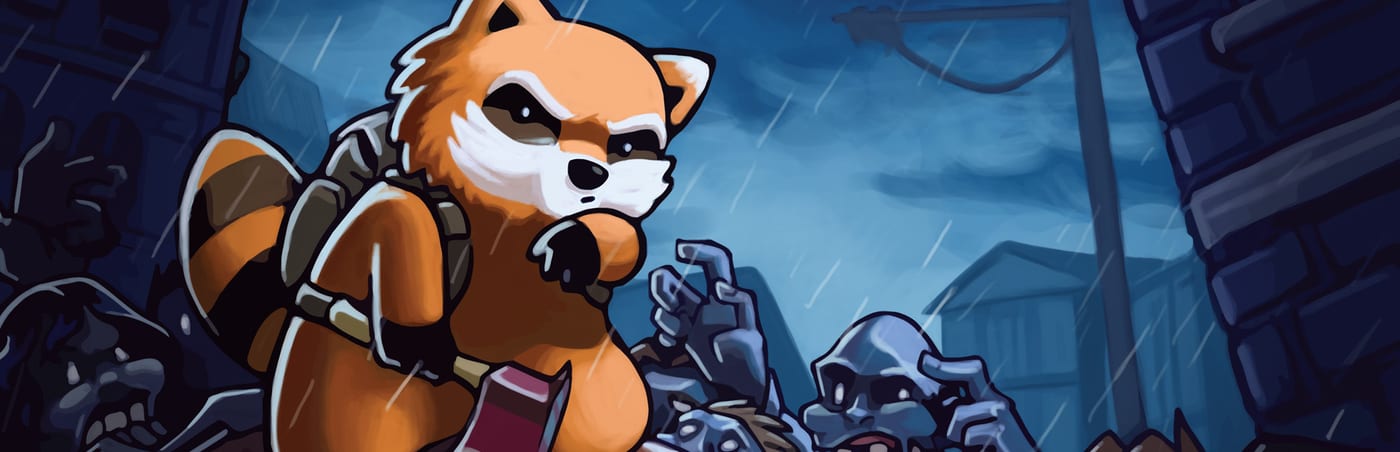
Project Zomboid controls look simple until a horde corners you in a hardware store aisle. Build 42 kept the isometric movement model but refined context menus, vehicle interactions, and crafting panels. Knowing default bindings-and which ones to rebind early-prevents deaths caused by fumbling inventory while zombies grab your ankles.
This hub covers keyboard and mouse setups for PC players plus controller layouts for Steam Deck and gamepad users. Both input methods work in solo and online co-op; the game does not separate control schemes by mode.
Featured references
Start with Keyboard and Mouse for the full default binding list, combat inputs, and rebinding advice tuned to Build 42. Gamepad players should read Controller Layout for face-button combat, radial menu access, and aim-assist limitations in melee.
Controls tie into survival skills
Movement and combat inputs only matter once you understand when to use them. Pair control reading with Combat Basics for shove timing and Getting Started for inventory flow on day one. Occupation choice changes starting gear but not bindings-see Beginner Builds after you settle on comfortable keys.
Build 42 UI changes worth noting
Crafting and container looting received UI polish in Build 42. Transfer-all shortcuts, split-stack keys, and examine-mode toggles save seconds that compound across a loot run. If you migrated from Build 41, re-check Options - Key Bindings after your first patch; some community mods remap overlapping keys.
Solo versus co-op input habits
Online co-op adds voice chat and map ping coordination. Keep push-to-talk on a thumb-friendly key if you use VOIP. Mark shared waypoints consistently-most groups agree on a house icon for the main base listed in Base Building guides.
Recommended reading order
- Keyboard and Mouse - PC default bindings and rebinding
- Controller Layout - gamepad combat and menus
- Combat Basics - apply inputs under pressure
Revisit this hub when Early Access patches add new interactions-vehicles, fishing, and medical menus are frequent rebinding targets.
Quick reference table mindset
Rather than memorizing every binding at once, group keys by survival phase. Exploration covers movement, sprint, crouch, and camera rotation. Looting covers inventory, transfer shortcuts, and examine mode for container safety checks. Combat covers shove, primary attack, guard stance, and aim mode for the day you pick up a firearm. Meta covers map, journal, and health panels-open these in safe rooms, not during backyard fights.
Build this muscle memory in Muldraugh or Rosewood before relocating to higher-density towns on the Map hub. Occupation choice from Occupations does not change defaults, but starting weapons change how soon you test attack bindings.
Frequently Asked Questions
Quick answers to the most common questions.
Can I rebind all Project Zomboid controls?
Yes. Open Options - Key Bindings in-game. See Keyboard and Mouse for high-priority keys to remap first in Build 42.
Does Project Zomboid support controllers in Early Access?
Yes. Full gamepad support works on PC and Steam Deck. Read Controller Layout for the default face-button map and combat tips.
Do controls differ in online co-op?
No. Solo and online multiplayer use the same bindings. Co-op players often rebind push-to-talk and map pings for faster communication.
Which keys matter most for new players?
Prioritize shove, sprint, crouch, inventory transfer, and examine mode. Getting Started explains when to use each during your first loot run.